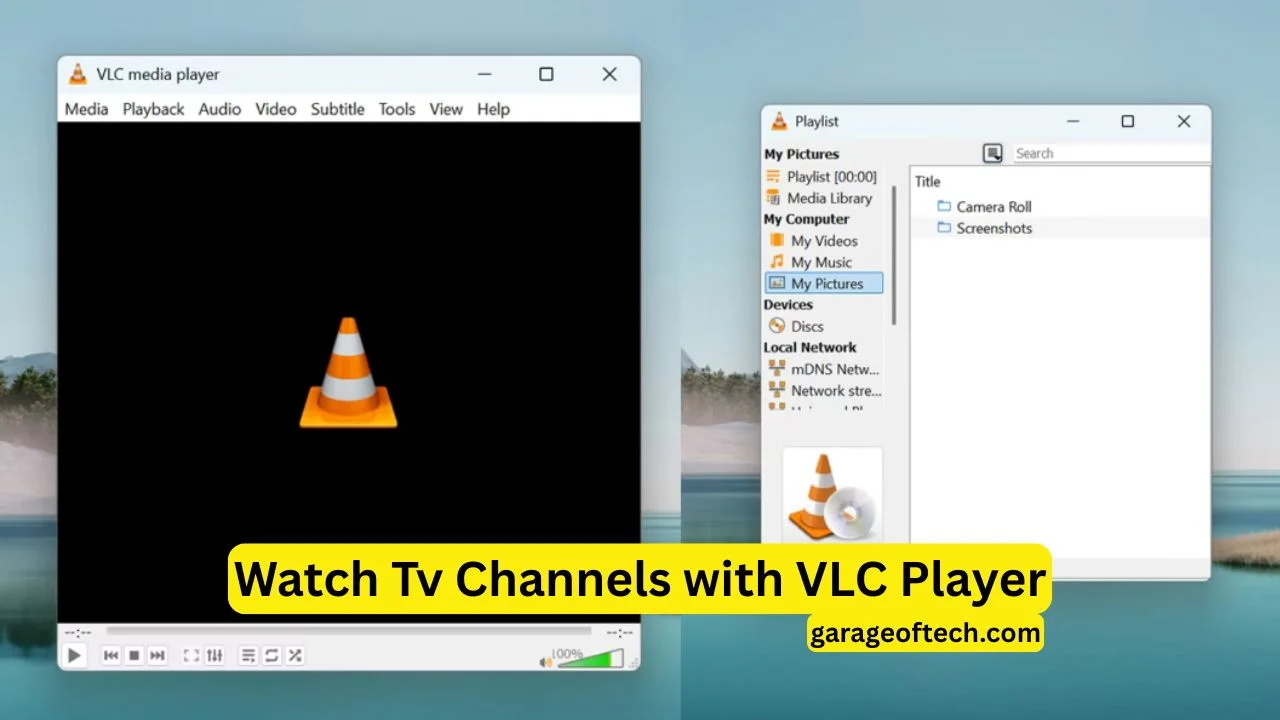
The first time many people use the VLC app, they do not explore settings or read features. Instead, they experience a simple moment where a video file refuses to open in other media players, but VLC plays it smoothly without any error. This quiet reliability is what builds trust over time. Slowly, VLC stops feeling like just another app and starts feeling like a dependable tool that always works, no matter the video format, device, or situation. This reliability is the foundation of VLC’s long-term success.
Understanding VLC Beyond a Simple Media Player
VLC is often described as a media player, but this label does not fully explain its real power. In reality, VLC is a complete media engine that can decode, process, and play almost every type of audio and video file. It supports users who only want to watch movies as well as professionals who deal with complex media files. The app does not ask for subscriptions, registrations, or special hardware. It simply works, which makes it useful for both everyday users and advanced workflows.
Format Freedom and Codec Independence
One of the biggest reasons behind VLC’s popularity is its freedom from external codecs. Most media players depend on system-installed codec packs, which often cause errors or playback failures. VLC includes its own built-in decoding library, allowing it to play rare, old, or even damaged media files. This independence saves users from searching for codecs, installing extra software, or dealing with crashes. For people who handle many file formats, VLC becomes a stress-free solution.
Cross-Platform Consistency Across Devices
The VLC app delivers the same experience on Windows, macOS, Linux, Android, iOS, and smart TVs. This consistency means users do not need to learn new controls when switching devices. Whether someone is watching videos on a laptop, phone, or TV, the interface and performance remain familiar. This stability is especially valuable for educators, offices, and individuals who work across multiple platforms and need reliable media access everywhere.
Advanced Playback Controls for Precision Users
VLC offers far more than basic play and pause buttons. It provides advanced controls such as frame-by-frame navigation, speed adjustment, subtitle timing, and audio-video synchronization. These features are extremely helpful for content reviewers, language learners, video editors, and researchers. Users can slow down videos, fix audio delays, or analyze scenes with precision. VLC gives users full control over how they consume media.
Network Streaming and Media Sharing Features
VLC is not limited to playing files stored on a device. It can stream videos over local networks, access online streams, and even function as a simple streaming server. This makes it useful in classrooms, offices, and homes where content needs to be shared without cloud services. Users can watch IPTV streams, play network files, or broadcast media locally with ease. VLC handles all this without forcing users into paid platforms.
Subtitle Management and Language Accessibility
Subtitle support is one area where VLC truly stands out. Users can load external subtitle files, adjust their timing, change font size, move text positions, and even download subtitles automatically. This flexibility makes VLC ideal for international audiences and language learners. It also improves accessibility for viewers who rely on subtitles. VLC ensures that content is understandable, no matter the language or source.
Efficient Performance on Low-End Devices
Despite its powerful features, VLC uses system resources efficiently. It runs smoothly on older computers, low-memory systems, and budget smartphones. Many modern apps focus heavily on design and animations, which can slow down devices. VLC focuses on performance and stability instead. This makes it especially valuable in regions where high-end hardware is not common and reliable playback is more important than visual effects.
Privacy, Security, and Offline Reliability
VLC respects user privacy. It does not force logins, show ads, or track user behavior. This privacy-first design reduces data risks and gives users peace of mind. VLC also works completely offline, which is helpful in areas with poor internet access or during travel. Users can play media anytime without depending on servers, accounts, or constant connectivity.
Customization and User Control
VLC allows deep customization through skins, extensions, and advanced settings. Users can keep the interface simple or customize it with plugins and layouts. This flexibility suits both technical users who want full control and casual users who prefer simplicity. VLC adapts to user preferences instead of forcing a fixed experience.
Use Cases Beyond Entertainment
VLC is widely used outside of entertainment. Educational institutions use it for lecture playback and training videos. Researchers analyze recordings with precision controls. Security teams review surveillance footage using VLC’s continuous playback and format support. Its reliability and flexibility make it suitable for professional environments where errors are not acceptable.
Why VLC Continues to Stay Relevant
In a digital world filled with subscription apps and restricted ecosystems, VLC stands out by remaining open and free. It evolves through community-driven development while respecting user freedom. VLC does not rely on aggressive marketing or paid features. Its strength lies in quietly solving problems that other media players ignore. That is why VLC continues to remain relevant, trusted, and widely used across the globe.